SQL HRMS
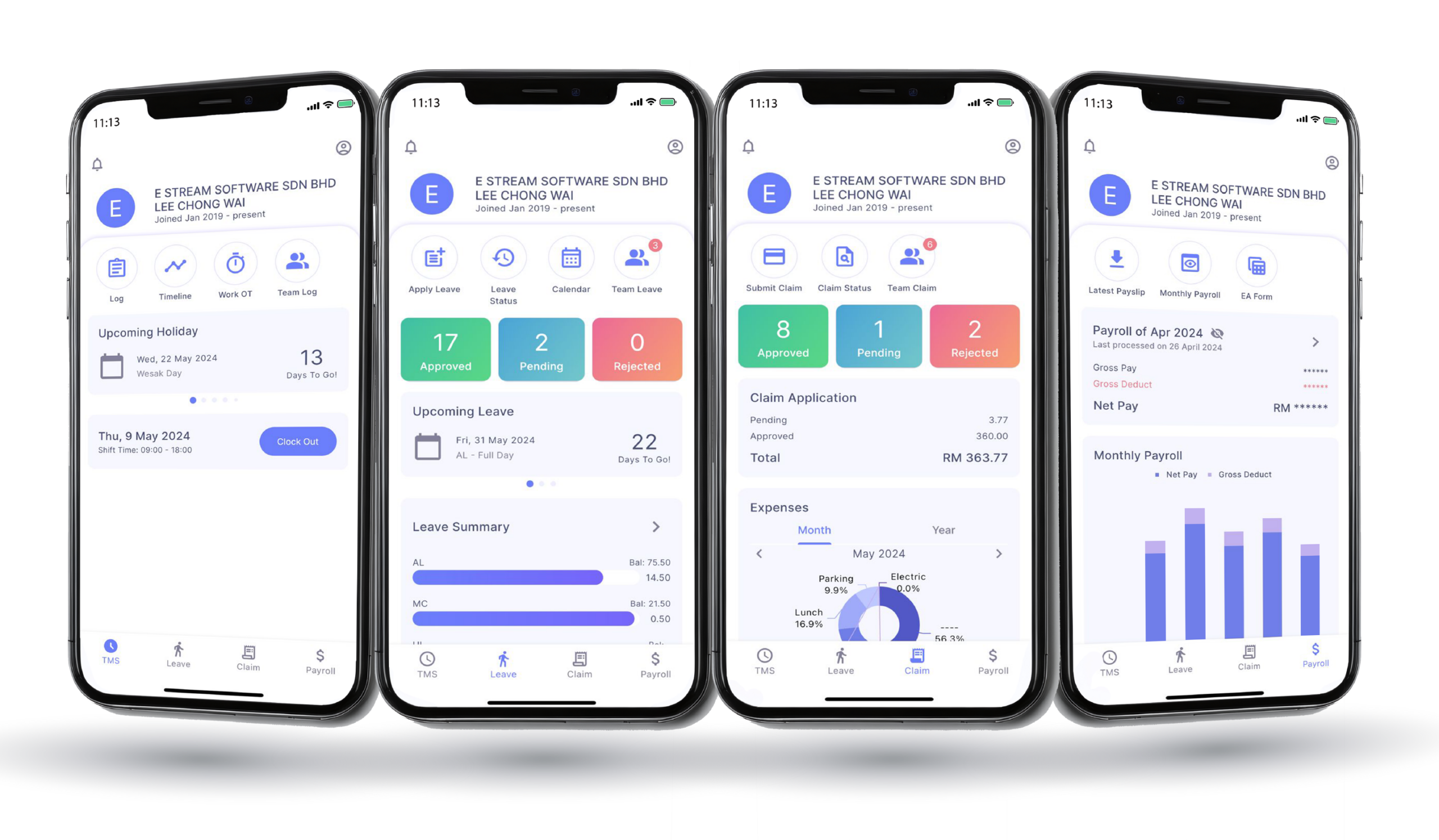
This mobile app helps you manage your team easily. Track attendance, clock in and out, check leave status, handle claims, and view payslips anytime. It gives managers real-time updates and clear insights to improve workflow and make better decisions.
E Time Attendance
Employee
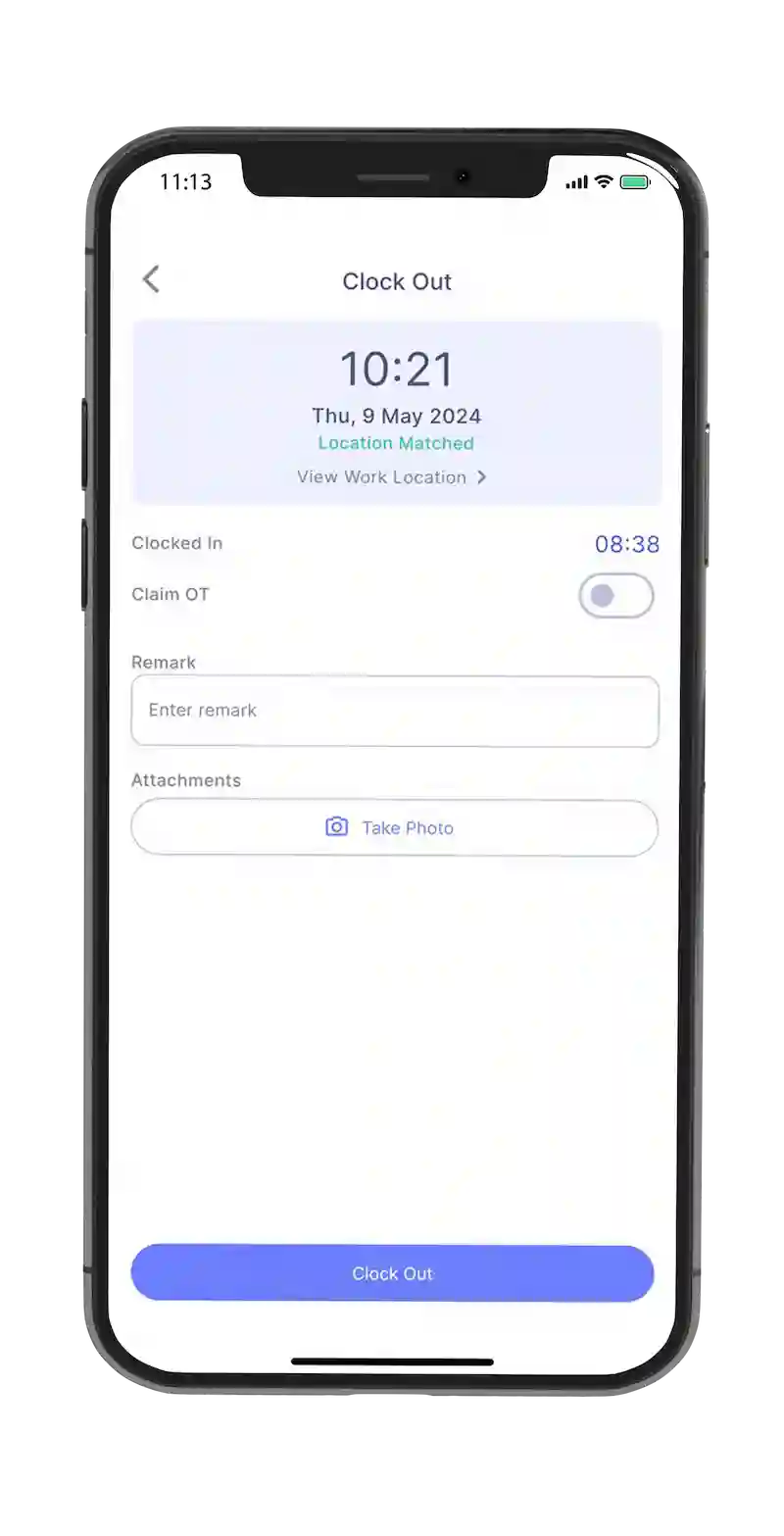
Clock in/out with geofence technology
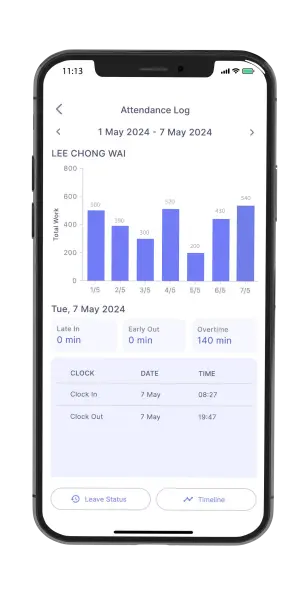
Track own attendance, overtime pay rate
Multiple work schedule
Flexible Overtime Policy
Multiple shift work schedules
On-site clock in for travellers with site photos
Manager
Overview of Team Attendance
Track late in, early out, absent, and out of office employees
Receive notification for employees leaving workplace during working hours
Customizable overtime rules (by clock time / by tier rate)
Set up flexi lunch hour and Flexi allowances
E Leave
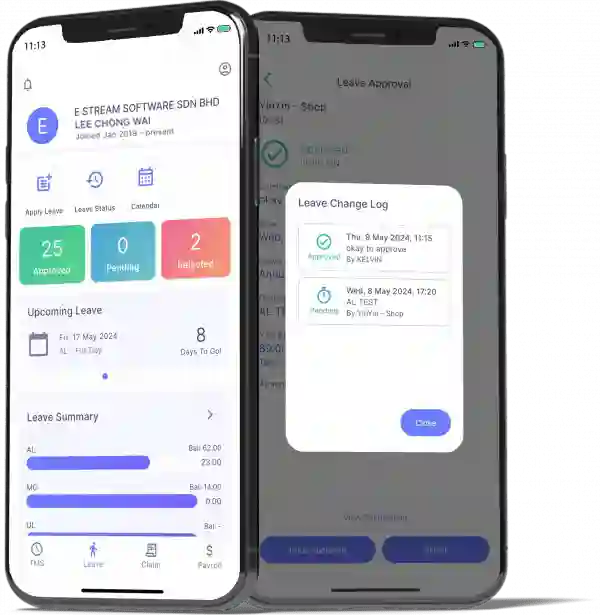
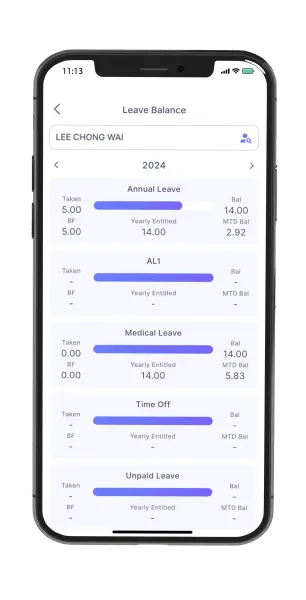
Employee Dashboard
Easy leave apply & status checking
Leave entitled & leave balance
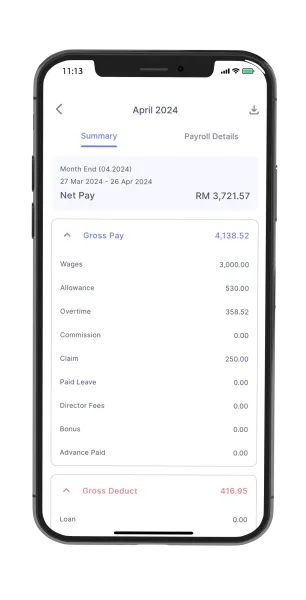
Unlimited years salary records
Detailed payslip info
Multiple years EA forms
Manager Dashboard
Approval & Notification
Daily employees leave summary
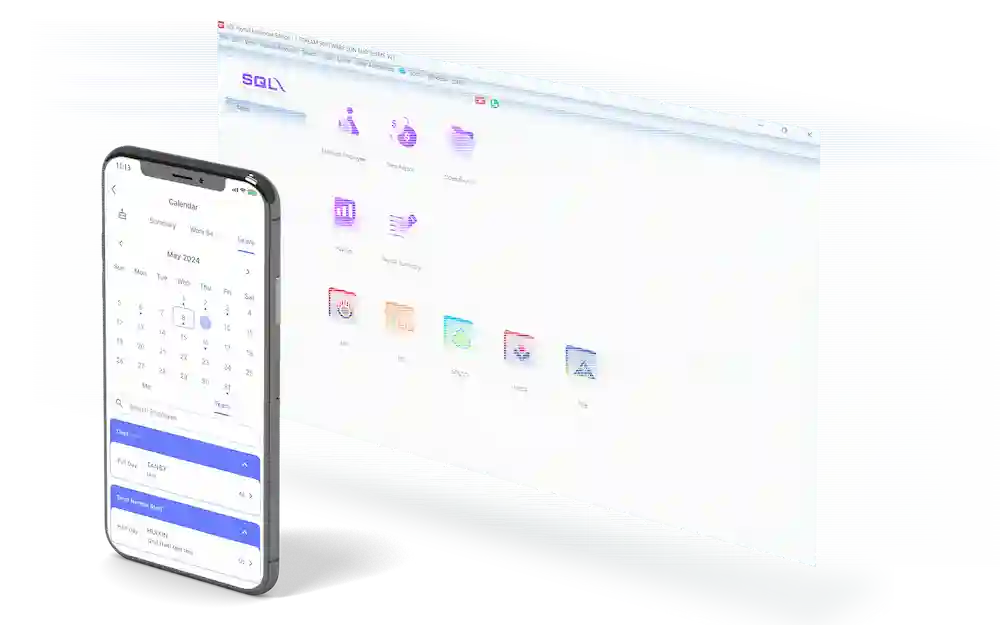
View all leave application at one glance in calendar mode
Apply leave on-behalf
Leave application status
Leave Approval Assigned By Managers
Assign the range of responsibility for each manager to only approve leaves for employees of a certain branch or department. For example, the manager for the finance department can only view and approve leaves made by the employees under that department.
E Claim
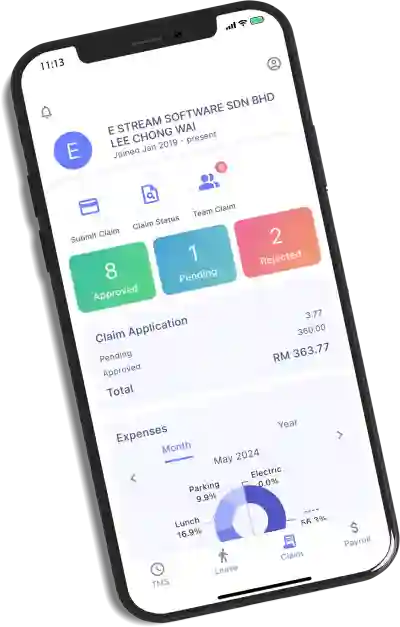
Employee Dashboard
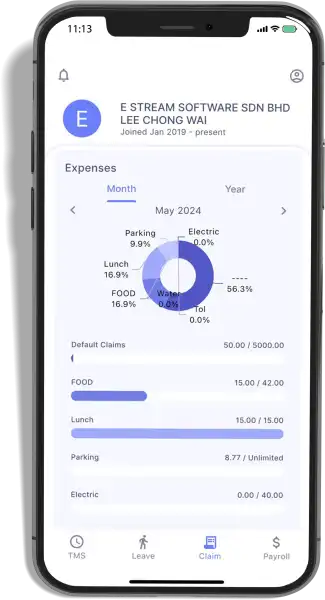
Easy claim submission in mobile app
Upload image file as proof of claim
View claim status progress tracking
Look at categorized monthly & annual claim history
Show summarized Pending & Approved claim applications
Manager Dashboard
Supervisor approval
Graphical display of 6 months claim analysis by employees
Display current month claims
Get overlimit claims info
Individually approved or bullk approve claim application
Submit and upload image for employee claims
Employees can easily submit their monthly claims anytime using the SQL HRMS app, along with supporting documents. You can set monthly and yearly claim limits in SQL Payroll with a one-time setup. All approved claims will automatically appear in the employee’s month-end payslip.
Ready to Integrate with SQL Payroll
Just click Sync Cloud and you will be able to link all leaves that have been applied through the app into your SQL Payroll Software. If a manager hasn’t approved the application, you can approve it on the software too.
E Payroll
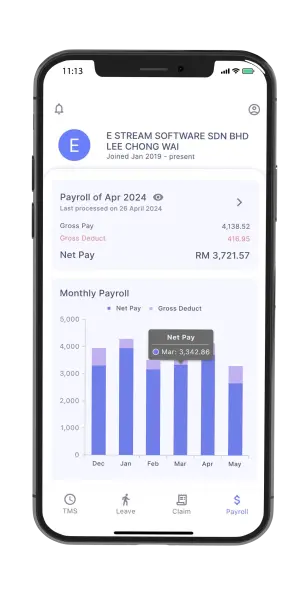
Payroll Dashboard
Real-Time Data Access
Enhanced Accuracy
Time Savings
Data Visualization
Payroll Summary
Financial Overview
Compliance and Reporting
Error Detection and Correction
Tax Preparation
Performance Analysis