
SQL Stock App
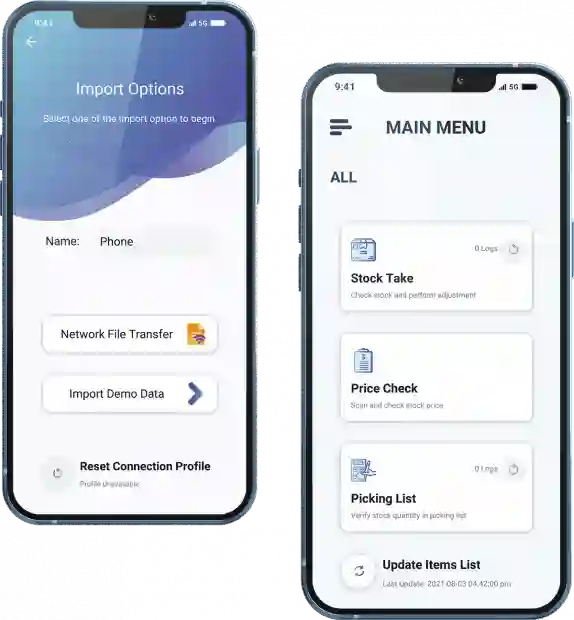
SQL Stock Take is a useful application for you to get current stock records of your warehouse and synchronize it with SQL Accounting software. Get the latest stock quantities, stock prices, and perform stock adjustments all in one app!
Stock Take
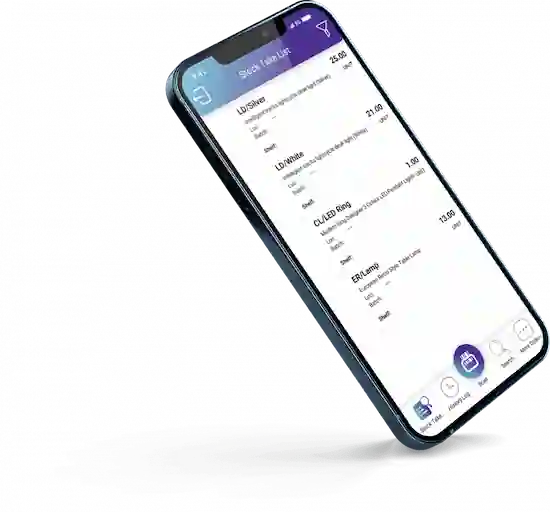
Perform stock take easily using your mobile phone. Simply scan the product barcode or use the search bar to locate and adjust specific stock items. With this feature, SQL Stock Take enhances flexibility and mobility in your daily operations. In addition, there is no longer a need to print stock take sheets or manually update stock quantities. Instead, with the SQL Stock Take app, stock taking can be completed efficiently anytime, anywhere through your mobile device.
Price Checker
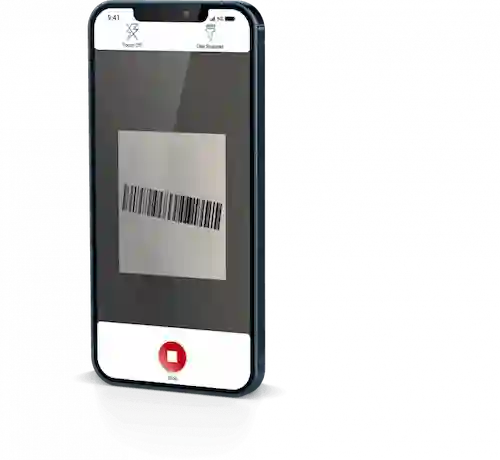
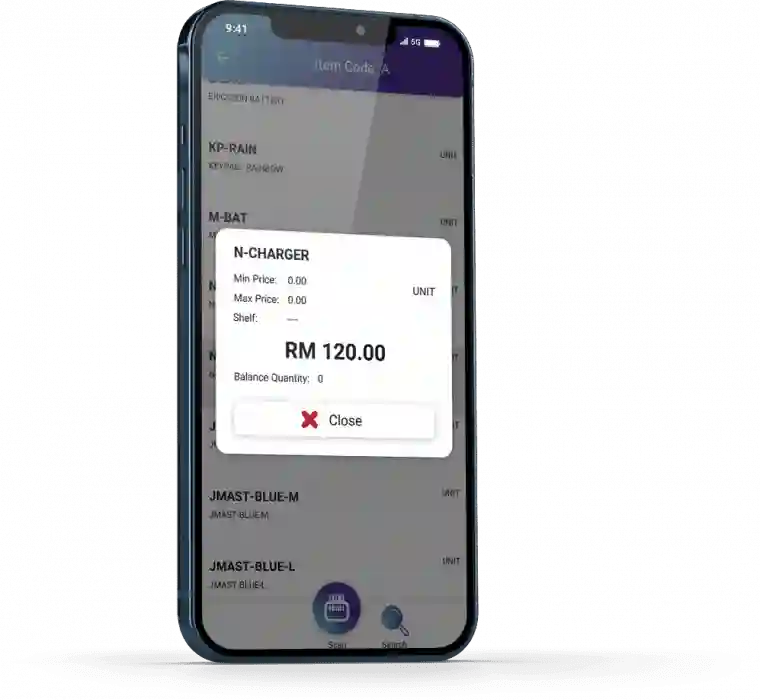
Scan a barcode or type in the search bar to find an item’s price. With this feature, the price checker makes it easier for sales agents who are not in the office to check the unit price of each stock item. As a result, it becomes more convenient for sales agents to verify their selling prices and avoid selling items at a loss.
Picking List
Verify the types of items, the exact quantities of each item, as well as the shelf, location, and batch using this picking list. With this information, you can keep better track of all stock quantities. As a result, it helps to reduce errors and avoid mistakes during the delivery of items.