
SQL REST API
SQL REST API enables automated data exchange, minimizes manual data entry, and accelerates integration development using Postman tools, clear payload documentation, and ready-to-use examples for popular programming stacks.

Everything You Need to Integrate Faster
From secure authentication to prebuilt examples and supported workflows, all the essentials are provided to help your team integrate and deploy more quickly.

AWS SIGV4 AUTHENTICATION
Secure system-to-system requests

POSTMAN COLLECTION
Test faster with ready requests

JSON AND PDF WORKFLOWS
Support data exchange, document

PROGRAMMING LANGUAGES
Starter examples in popular languages

DOCUMENTED OBJECTS
Work with invoices, stock, payments, other
SUPPORTED WORKFLOWS
Connect sale, purchase, stock, customer, payment, journal, and transfer workflows
Create, edit, delete, and retrieve business records
Perform with GST and SST enabled SQL Accounting workflows for seamless compliance.
Enhance live and batch data updates
What You Can Work With
Explore the business objects and output formats available in the current API documentation.
Available Output Formats
Business Objects

Stock Transfer

Inventory Received

Product Item

Sales Invoice

Purchase Invoice

Sales Order to Sales Invoice







How It Works
Start in a controlled test environment, validate your payloads, then move into production onboarding with the same integration approach

Secure API Credential Request
Access key and secret key are issued through the onboarding process for secure and controlled API usage.

Test Endpoints with Postman
Apply the provided collection to confirm request signing, required fields, and module behavior.

Send, Retrieve JSON Records
Create, update, delete, and retrieve data using structured payloads and documented field validation rules.

Move Into Live Integration
Use the same hosted API approach for demo, production onboarding using provider-issued credentials.
How to Start
Use the resource set to move from first request to production planning with less guesswork.

Download Postman Collection
Import requests quickly and validate authentication, headers, and endpoint behavior.
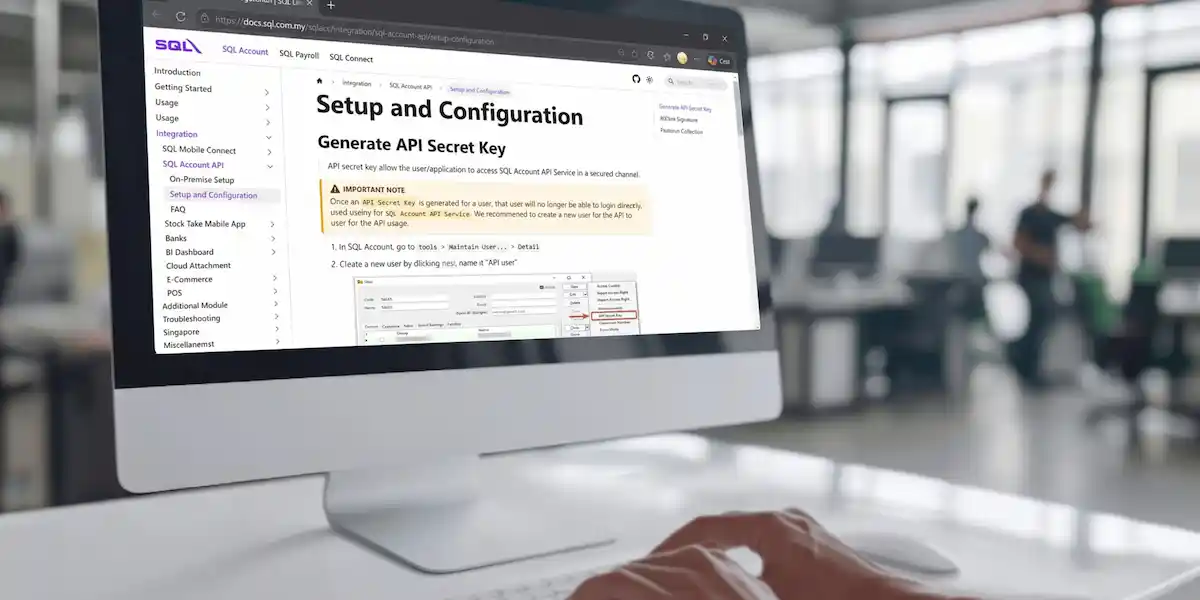
Setup and Configuration
Follow the SQL Account API setup flow for provider-issued credentials and configuration.
View Sample Payloads
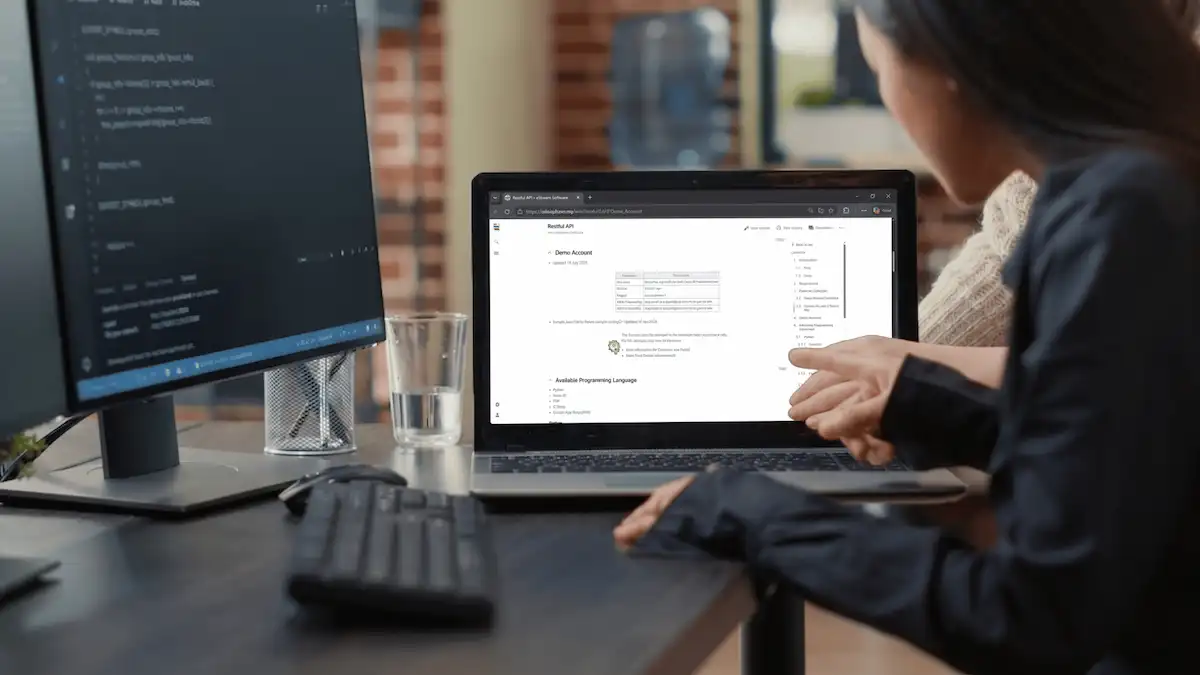
Review minimum-field JSON examples before mapping fields from your external system.
Browse Code Examples
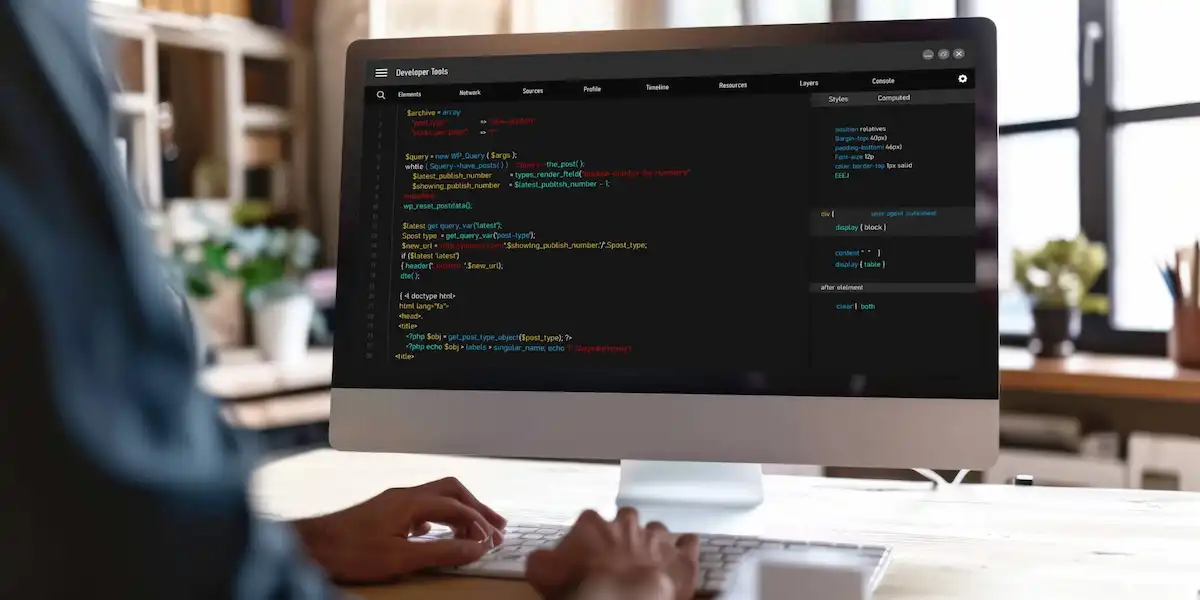
Start from language-specific examples for common implementation stacks.

Review Field Details
Use field references to plan mapping, validation, and required data handling.
Read Integration FAQ
Check common request patterns, limits, and JSON structure guidance.


Discuss Your Integration
Speak with the SQL team when you are ready to confirm fit, onboarding, and next steps.
Requirements
Prepare the right software version, network setup, and technical resources before starting an API integration project.
SQL Accounting and Environment Requirements
SQL Accounting Version 5.2025.1038.875 or above.
Firebird Version 3.0.9 or above is recommended.
Microsoft Windows 11 and above is recommended, preferably 64-bit.
Internet access is required for the machine, server, or hosted environment where SQL Accounting and the integration process are running.
The connection should come from an ISP (Internet Service Provider) with proper router or office network access so that environment can reach the API endpoint reliably.
Mobile phone data, personal hotspots, or ad-hoc mobile connections are not recommended as the main integration connection.
Integration Credentials and Setup Process
Access Key and Secret Key are issued by the provider for the target database.
API endpoint domain is used for demo and production/live onboarding, so credential management should clearly separate environments.
Router, firewall, and outbound network access should allow the SQL Accounting environment to reach the API end point consistently.
SQL Accounting and Environment Requirements
Programming knowledge is required for request signing, payload mapping, and error handling.
The API is intended for technical teams, implementation partners, or back-end/middle-ware workflows.
Standalone environments and browser-only client-side usage are not the intended setup.
For best stability, the integration should run from a proper office, server, or hosted environment instead of depending on a mobile device connection.
Ways to Use The API
Apply the API to connect daily business activity with accounting records and stock workflows.
Create and Update Customer Records from CRM
Keep customer details from CRM, portals, or sales tools aligned with Maintain Customer records in SQL Accounting.
Push Supplier Bills Into Purchase Invoice
Integrate procurement or supplier systems with Purchase Invoice workflows for seamless accounting.
Generate Finance-Side Posting from External Workflows
Create financial records like journal entries, customer payments, and GL vouchers from external workflows.
Sync Only Orders Into Sales Invoice
Send confirmed e-commerce orders into SQL Accounting as Sales Invoices, reducing manual entry for sales and finance teams.
Pull Stock Item Data for External Catalogue Sync
Run Stock Item data to support catalogue updates, customer portals, warehouse tools, and operational dashboards.