Clipboard Excel Import
RM800.00
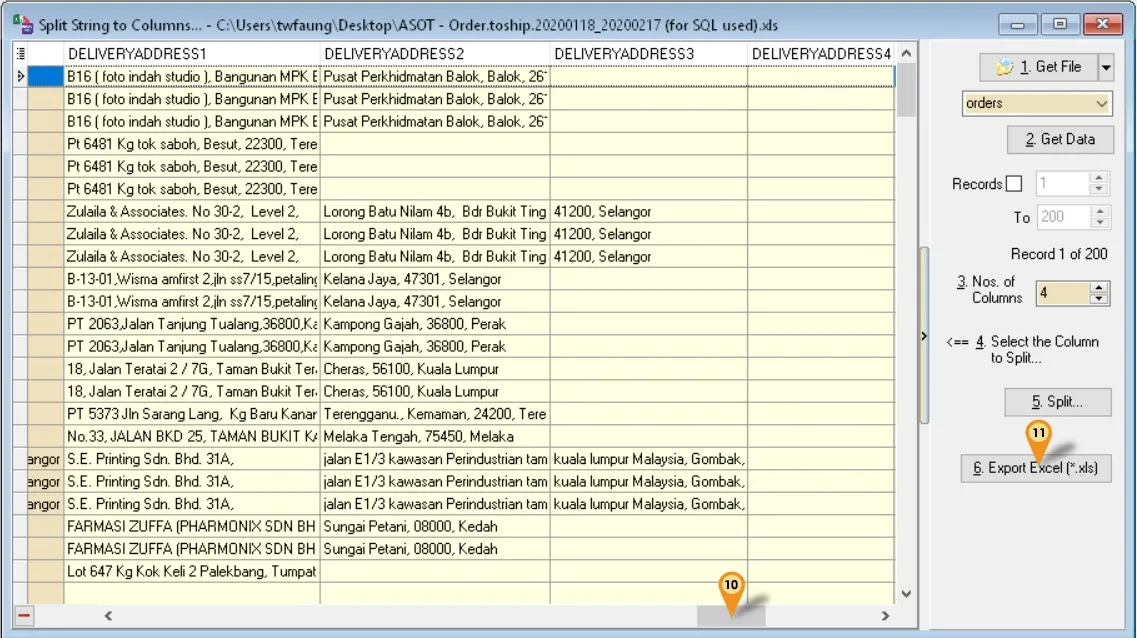
Clipboard Excel Import allows users to quickly copy and paste Excel data directly into the SQL Accounting system without manual key-in. It helps reduce data entry errors, save time, and improve productivity for daily business operations. The feature is user-friendly and suitable for businesses handling large volumes of data daily.
- Master data (eg. Debtors, Creditors & Item List)
- Transactions
 Subject to Service Tax (SST)
SQL proudly introduces Clipboard Excel Import - a fast and simple way to import data with just 4 quick steps:
1️⃣ Fill in the Excel template
2️⃣ Copy your data from Excel and paste it directly into SQL Clipboard
3️⃣ Click Validate
4️⃣ Click Import
Pros
☑️Faster bulk data entry from Excel
☑️Reduces manual typing errors
☑️Easy copy and paste process
☑️Saves time for daily operations
☑️Improves staff productivity
☑️Suitable for invoices, stock, customer & supplier data
☑️No complicated import setup required
☑️User-friendly for non-technical users
☑️No rows limit (but recommended max 500 rows per file as more records, more hard & time consumption to check if have error)
Cons
❌Incorrect Excel formatting may cause import errors
❌Users need to follow the correct column sequence
❌Large or messy datasets may require cleaning before import
❌Duplicate data may occur if not checked properly
❌Some advanced data validation may still require manual review
Call or WhatsApp 012-203 7670 today to find the best solution to your business. Our team is ready to assist you anytime.